What TV Size Is Right for My Room?
Published 5/29/2026 · 4 min read · Real-estate calculators

Marco Bianchi — Home, DIY & motoring writer at OneKitly
Renovation · Materials
Checked against 2 sources
Pick a TV whose diagonal roughly matches your viewing distance divided by 1.5 for a 4K screen. If you sit 8 feet (about 96 inches) from the wall, that points to a 65-inch TV. For older 1080p sets a safer divisor is 2, giving a smaller size. TV diagonals are always measured in inches, so measure the seating distance, divide, and round to the nearest size sold.
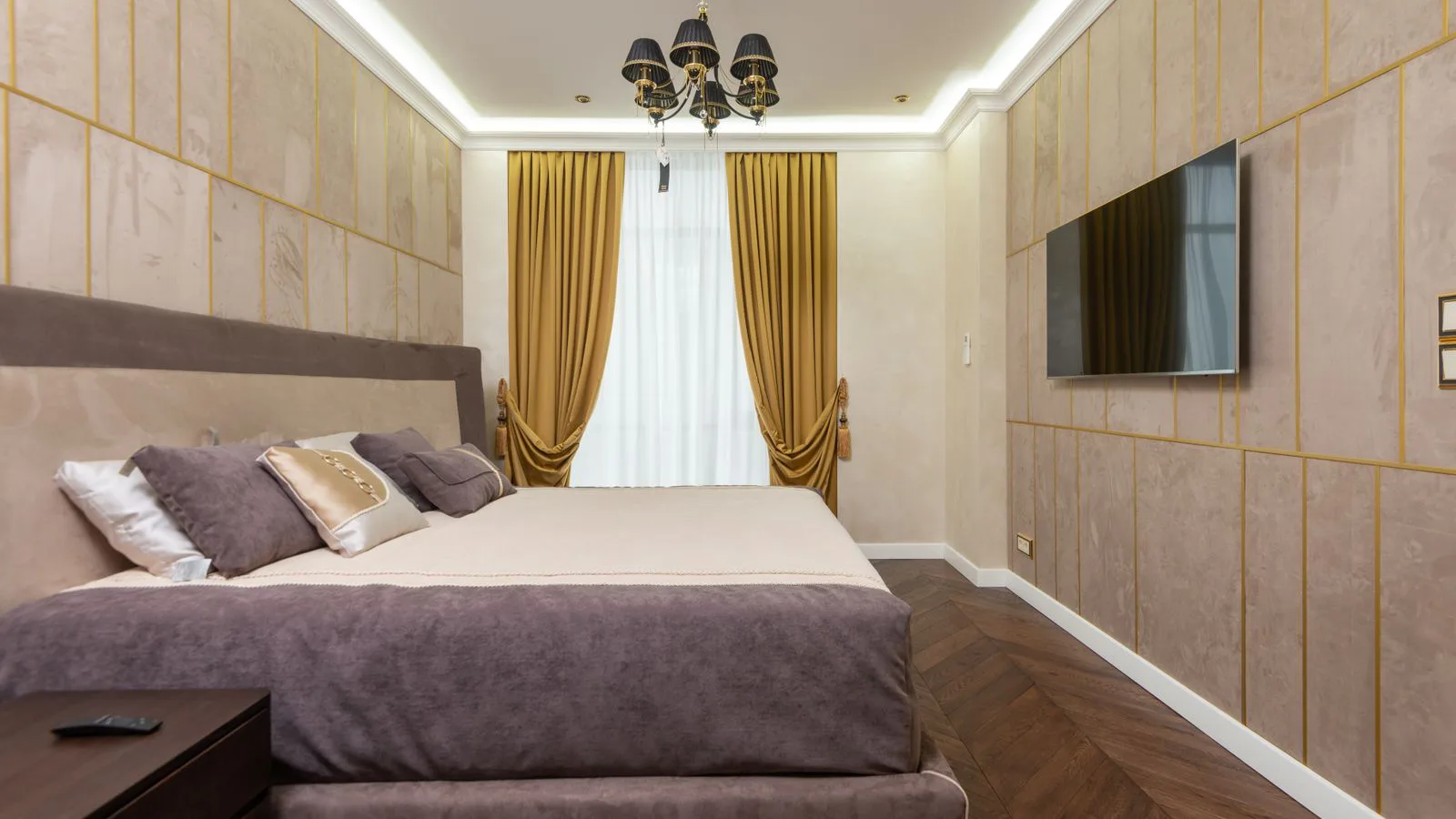
Turn your viewing distance into a recommended screen diagonal in inches, so a 4K TV fills your field of view without straining your eyes.
Why distance decides the size
The right TV size is the one that fills a comfortable slice of your field of view. Sit too close to a big screen and you see pixels and have to swivel your head; sit too far from a small one and the picture feels like a distant window. The sweet spot is a screen that spans roughly 30 to 40 degrees of your vision, and that depends almost entirely on how far away you sit.
Because the diagonal grows with distance, a simple rule works well: for a 4K screen, take your viewing distance in inches and divide by about 1.5. TVs are sold by diagonal in inches everywhere, so this gives a number you can shop with directly. Higher resolution lets you sit closer without seeing structure, which is why 4K allows a larger set at the same distance than an old 1080p one.
Working a real example
Say your sofa sits 8 feet from the TV wall. That is 96 inches. Divide by 1.5 and you get 64 inches, so a 65-inch 4K TV is the natural choice — the nearest size actually on sale. If you preferred a cinematic feel and mostly watch 4K content, you could stretch to a 70- or 75-inch and simply sit as you already do.
For an older 1080p set the safer divisor is 2, so the same 96-inch distance suggests a 48-inch screen. That is why upgrading to 4K often means you can jump up a size or two without moving the couch. When in doubt, measure the exact distance, run both divisors, and choose a size in between that matches the resolution you actually watch.
Checking it fits the wall too
Distance sets the ideal diagonal, but the wall and furniture set the ceiling. A 65-inch 16:9 TV is about 57 inches wide, so leave a little clear space on each side of a media unit or alcove. Eye level matters as much as size: the middle of the screen should sit roughly at seated eye height, which is usually lower on the wall than people first mount it.
If you are also refreshing the room, plan the TV wall alongside any paint or wallpaper so cables, brackets and sockets are hidden behind the set. Cutting a paper pattern or masking tape rectangle to the exact width and height and taping it to the wall is the cheapest way to feel the size before you buy anything.
Worked with our own calculator
TV Size Calculator
Given
- Viewing distance (cm)
- 275
Result
- Recommended size
- 67.667 in
- Minimum size
- 43.307 in
- Maximum size
- 90.223 in
These figures are produced by the calculator below, not typed in by hand — they are recomputed whenever the tool changes.
Run it on your own figures →Frequently asked questions
- Is a bigger TV always better?
- Not if you sit close. Beyond the ideal diagonal you start to notice pixels and have to move your eyes across the screen, which is tiring. Match the size to your distance rather than buying the biggest set you can afford.
- How do I measure viewing distance?
- Measure from the front of your seat to the TV wall. Use the spot where your eyes are, not the back of the sofa. If you have two rows or a big sofa, use the seat you use most; a spread of a foot or so barely changes the recommendation.
- Does resolution change the ideal size?
- Yes. Higher resolution packs more pixels into the same area, so you can sit closer without seeing them. That is why the 4K rule (distance ÷ 1.5) allows a larger screen than the 1080p rule (distance ÷ 2) at the same seat.
- What height should the TV be mounted at?
- Aim for the center of the screen at seated eye level, usually around 40 to 45 inches from the floor to the middle of the panel. Mounting too high forces you to look up, which strains the neck over a long film.
Articles you may find interesting
All guides →Related tools
Sources
Spotted a mistake in this article?