How to Adjust Cooking Time for Weight and Temperature
Published 2/3/2026 · 4 min read · Everyday calculators

Marco Bianchi — Home, DIY & motoring writer at OneKitly
Renovation · Materials
Checked against 2 sources
Roasting time scales mainly with weight: a common rule for beef is about 20 minutes per pound at 350°F for medium, plus a fixed 20 minutes on top. Double the weight and the time roughly doubles, but a thicker joint also holds more heat, so always confirm doneness with a meat thermometer rather than the clock. Raising the oven temperature shortens time but risks a dry outer layer, so change one variable at a time.
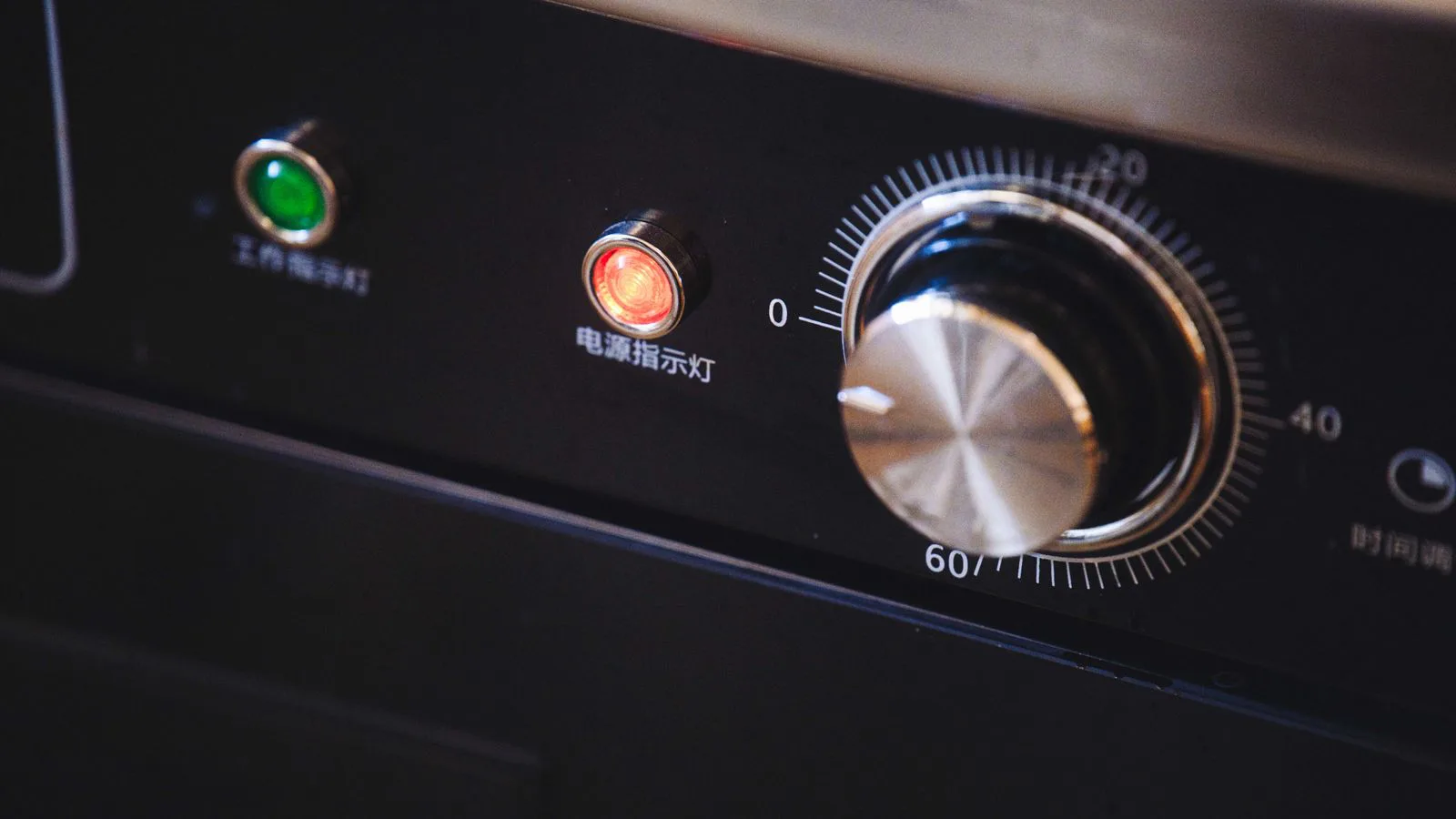
Scale roasting time to the weight of your joint and adjust for oven temperature, so a bigger or smaller cut comes out cooked through but never dry.
Why time scales with weight, not size alone
Heat travels from the surface of a roast toward its center at a fairly steady pace, so the time needed depends on how far that heat must reach. A heavier joint of the same shape has a thicker core, which is why cooks tie roasting time to weight rather than length. The classic figure of about 20 minutes per pound at 350°F works because it approximates how long that heat front takes to arrive.
Shape matters too: a long, thin roast cooks faster than a compact one of equal weight because heat reaches the center sooner. That is why a rolled joint takes longer than a flat cut, and why the calculator gives a starting point rather than a guarantee — the thermometer settles the final call.
How oven temperature changes the equation
A hotter oven drives heat inward faster, cutting total time, but it also browns and dries the outer layer before the center is done. Raising from 350°F to 425°F might shave a quarter off the time on a small joint, yet on a large one the surface can scorch while the middle stays underdone.
A practical trick is the two-stage roast: start high for 15–20 minutes to build a crust, then drop to a moderate heat for the rest so the inside cooks gently. Fan (convection) ovens run hotter than they read, so lower the set temperature by about 25°F or shorten the time to match a conventional recipe.
Rest, carryover, and the safe finish
Meat keeps cooking after it leaves the oven: the outer layers hold heat that migrates inward, raising the center by 5–10°F during a rest. That is why you pull a roast a few degrees below target — pull beef at 135°F and it climbs toward 140°F for a rosy medium while it rests.
Whatever the timing rule suggests, food safety is set by internal temperature, not minutes. Poultry must reach 165°F, ground meat 160°F, and whole cuts of beef, pork or lamb at least 145°F followed by a three-minute rest. A calculator plans your day; the thermometer confirms the meal is safe.
Worked with our own calculator
Meat cooking time calculator
Given
- Weight (kg)
- 1.8
- Meat & doneness
- Chicken (40 min/kg)
Result
- Cooking time (minutes)
- 92
These figures are produced by the calculator below, not typed in by hand — they are recomputed whenever the tool changes.
Run it on your own figures →Frequently asked questions
- Do I double the cooking time if I double the weight?
- Roughly, but not exactly. The per-weight portion of the time doubles, yet any fixed base time and the extra heat a thicker joint retains mean a doubled roast usually needs a little less than double the total — always finish by thermometer.
- Can I raise the temperature to cook a roast faster?
- You can, but only within limits. A higher setting cooks faster on small joints, yet on large ones it browns and dries the outside before the center is done. A two-stage roast — hot to brown, then moderate to finish — is safer than simply cranking the dial.
- How much time should I add for a fan oven?
- A fan oven cooks faster, not slower, because moving air transfers heat more efficiently. Lower the set temperature by about 25°F, or keep the temperature and shorten the time by roughly 10–15%, then check with a thermometer.
- Does resting the meat count as part of the cooking time?
- Not in the oven, but plan for it. Resting for 10–20 minutes lets carryover heat finish the center and the juices redistribute, so add it to your total schedule even though the oven is off during that window.
Articles you may find interesting
All guides →Related tools
Sources
Spotted a mistake in this article?